
MB WhatsApp APK: Latest Version Install Guide 2026
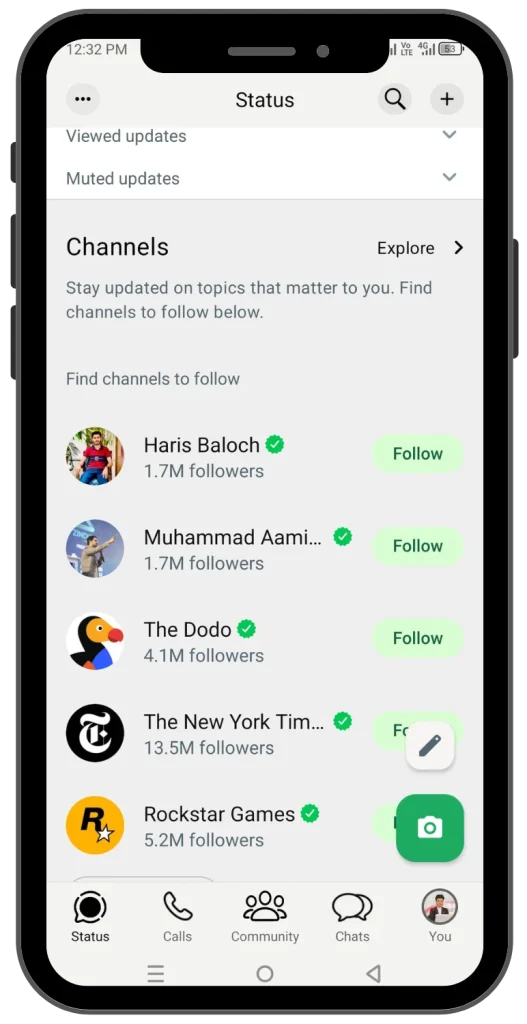
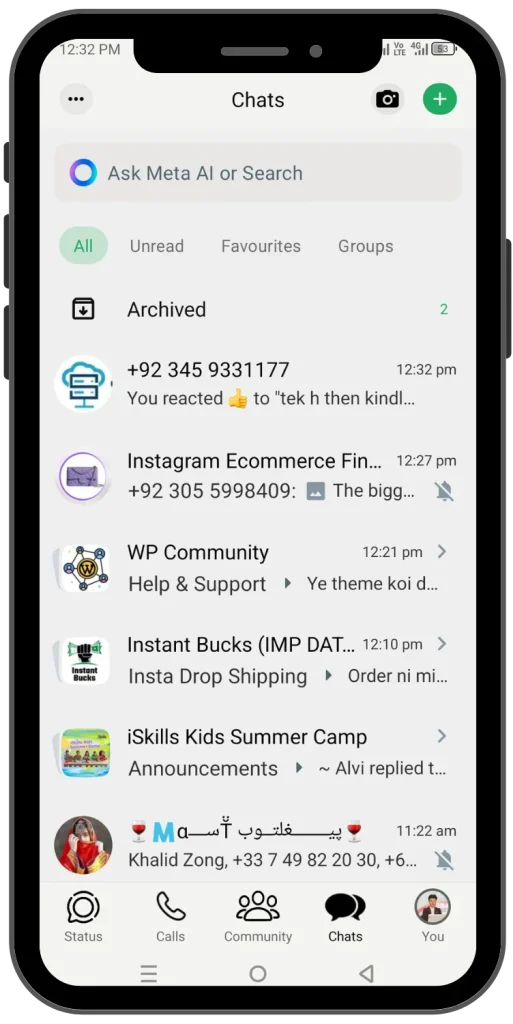
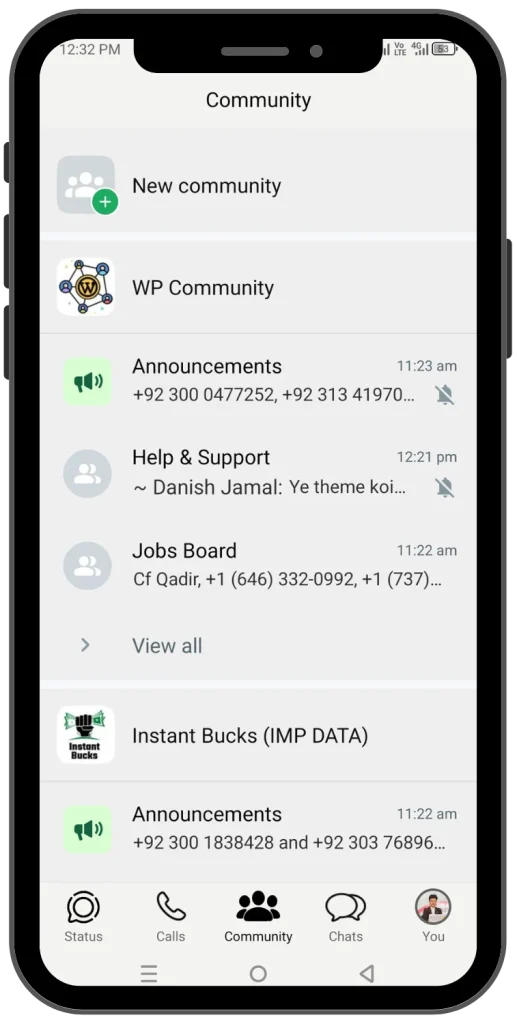
iOS look on Android
Answers when you’re busy
Hide last seen and ticks
Type: Mod APK
Platform: Android



How to Install MB WhatsApp APK
Download the APK
Tap the download button on this page and save the latest MB WhatsApp APK to your phone.

Open your file manager
When the download finishes, open the File Manager app on your phone.

Go to the Download folder
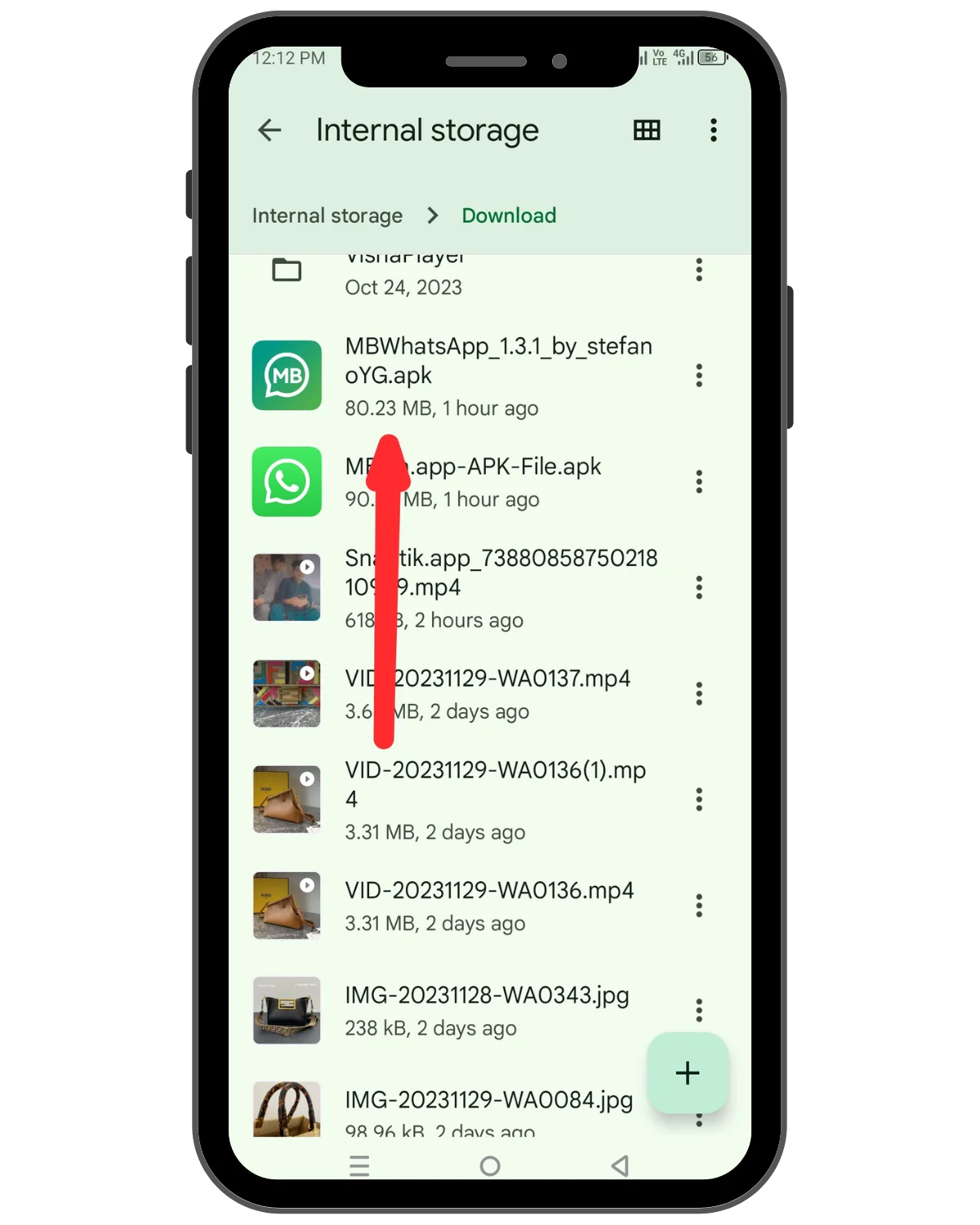
Open Internal Storage, then tap the Download folder.

Tap the downloaded file
Find the MB WhatsApp APK in the list and tap it to start the installer.
Allow unknown apps, then install
The first time, Android asks for permission to install apps from outside the Play Store. Turn on “Allow from this source”, go back, and tap Install.

Advanced Privacy Options in MB WhatsApp
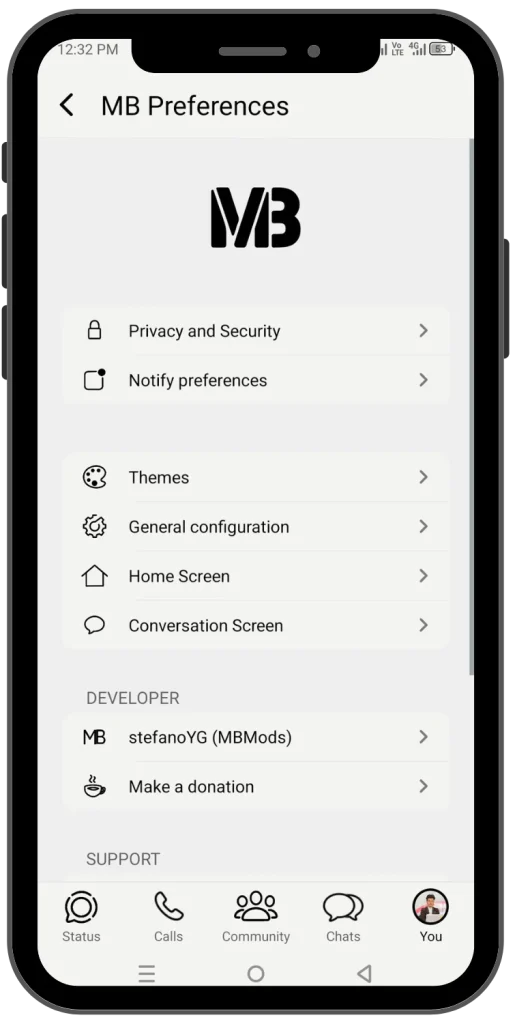
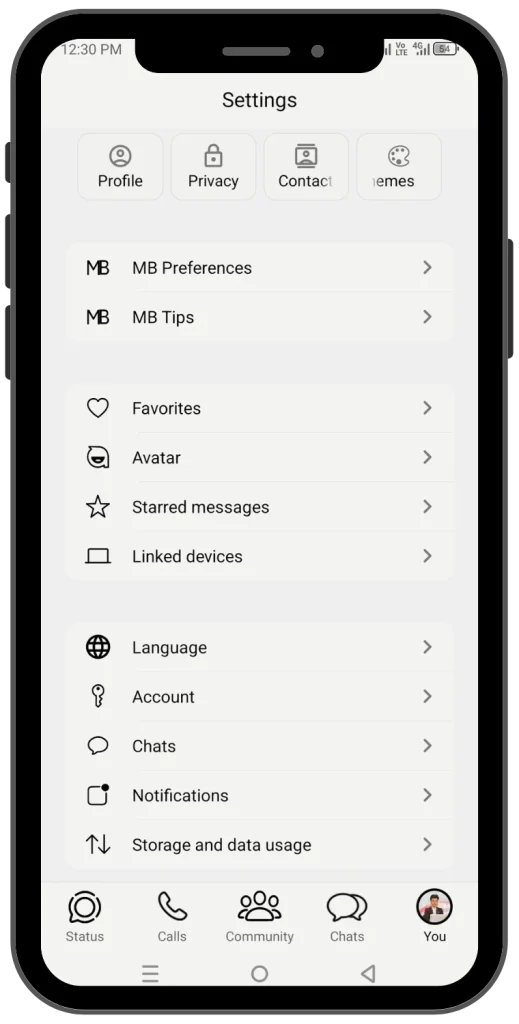
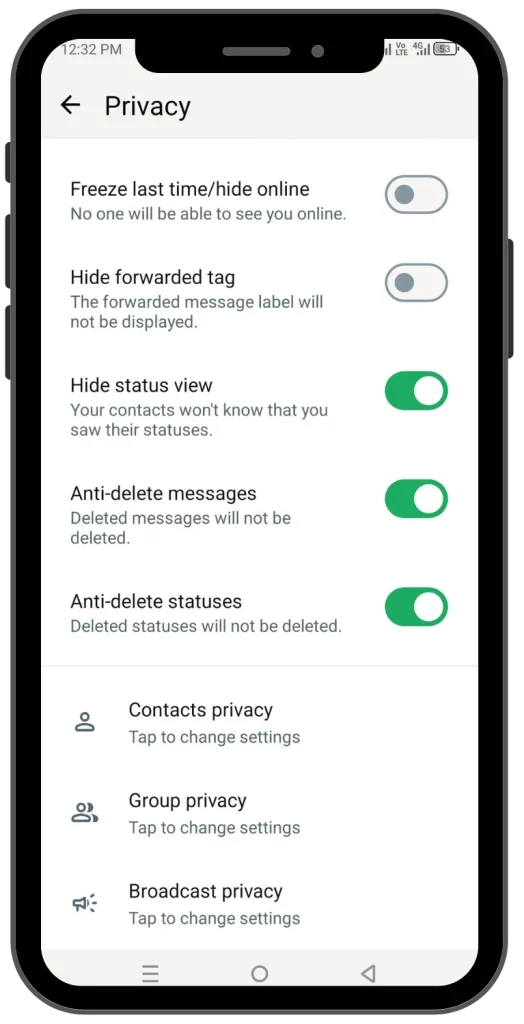
These nine settings are what most people install MB WhatsApp for. You can turn them on or off from the MB Preferences menu in the app.
Status
Anti-delete status
Keeps a copy of statuses that a contact posts and then removes within the 24 hours, so you can still open them. It runs by default, so there is nothing to switch on.
Status
Hide status view
Watch your contacts’ statuses without your name appearing in their viewers list.
Messages
Disable forward tag
Forward a message without the “Forwarded” label, so it reads like something you wrote yourself.
Messages
Anti view once
Lets you open a view-once photo or video more than once, instead of losing it after the first look.
Privacy
Freeze last seen
Stops your last seen time from updating. Contacts keep seeing the old time, even while you are chatting.
Messages
Anti-delete message
When someone deletes a message for everyone, you can still read what they sent.
Privacy
Hide second tick
People who message you only see one tick, so they cannot tell the message reached your phone.
Privacy
Hide blue tick
Read a message without sending the blue ticks, so the sender cannot see that you opened it.
Privacy
Hide typing and recording
Your contacts do not see “typing…” or “recording audio…” while you write or record a reply.
Features can differ between versions, and a WhatsApp update can break some of them.
MB WhatsApp Features at a Glance
Ten things MB WhatsApp does that the official app does not. Some depend on the version you install.
Auto-reply
Set a message that goes out on its own when you are busy or away. Handy for shops and anyone who gets a lot of chats.
iPhone themes
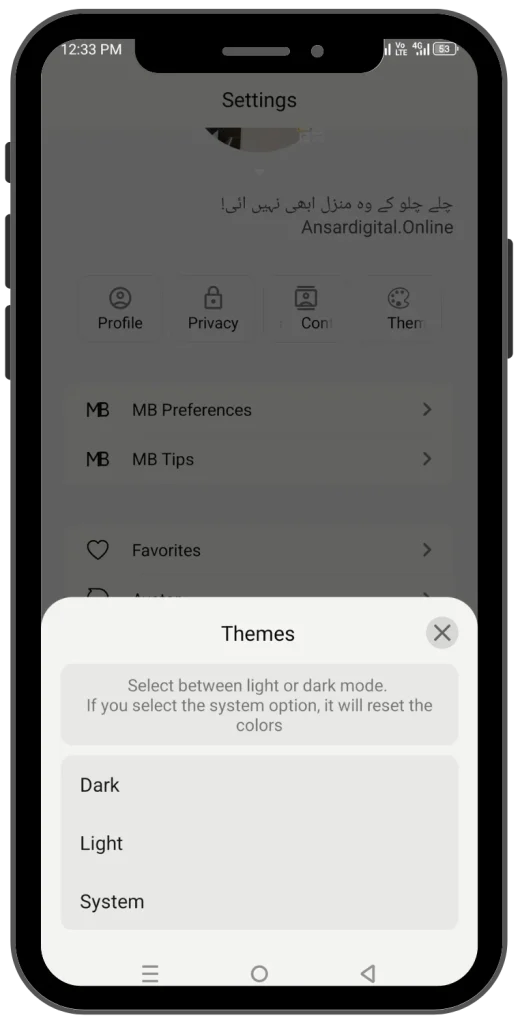
Gives the app an iOS look on Android. Themes change the colors, chat bubbles and icons.
Download status
Save a contact’s photo or video status to your phone with one tap, so you do not need to screen record.
Message an unsaved number
Type a number and start a chat without adding it to your contacts first. Good for one-off messages.
iPhone emojis
Swap the Android emoji set for the iPhone style. Only you see the change; the other person sees their own phone’s emojis.
Bigger files
Lifts some of the size limits of the stock app for documents and videos. The exact limit depends on the version.
Message scheduler
Write a message now and pick the time it sends, like a birthday wish at midnight.
Airplane mode
A switch inside the app that cuts WhatsApp off from the internet while the rest of your phone stays online.
Who blocked you
The app says it can show who blocked you. WhatsApp does not share this, so treat the result as a guess, not proof.
Hide media from gallery
Keeps photos and videos from WhatsApp out of your gallery app, so they only show up inside the chat.
Download MB WhatsApp APK
Choose the build that fits your phone. Most people should start with the latest version.
Latest version
The newest build, with the most recent fixes and features. Pick this one if your phone runs a recent Android version.
Previous version
Try this if the latest build crashes or runs badly on your phone, or if you are on an older Android version.
Not sure how to install? Follow the steps above. If you have WhatsApp already, back up your chats first.
MB WhatsApp Pros and Cons
Here is the honest picture before you install.
What you get
What to watch out for
Security and App Lock
MB WhatsApp has one built-in security feature: a lock on the app itself. You can pick how it opens.
Fingerprint
Open the app with your finger.
Pattern
Draw a pattern on the grid.
PIN
Enter a numeric code.
MB WhatsApp FAQs
Is MB WhatsApp safe to use?
Can WhatsApp ban me for using it?
How do I back up my chats?
chat transfer guide.
Who makes MB WhatsApp?
How do I hide a chat?
How do I open hidden chats?
Will I get notifications from hidden chats?
hidden WhatsApp tricks.
Should You Use MB WhatsApp APK?
It depends on how much you value the extras. MB WhatsApp gives you iPhone-style themes, auto-reply, scheduling and strong privacy switches. In return you accept a real chance of a ban and the work of installing an APK yourself.
✓ It suits you if
You want an iOS look or custom themes on Android.
You need auto-reply or scheduled messages for a small business.
You have a spare number you can afford to lose.
✗ Skip it if
Your main WhatsApp number holds important work or family chats.
You rely on Google Drive backup.
You do not want to install apps from outside the Play Store.
Back up your chats first, and try it on a spare number.